

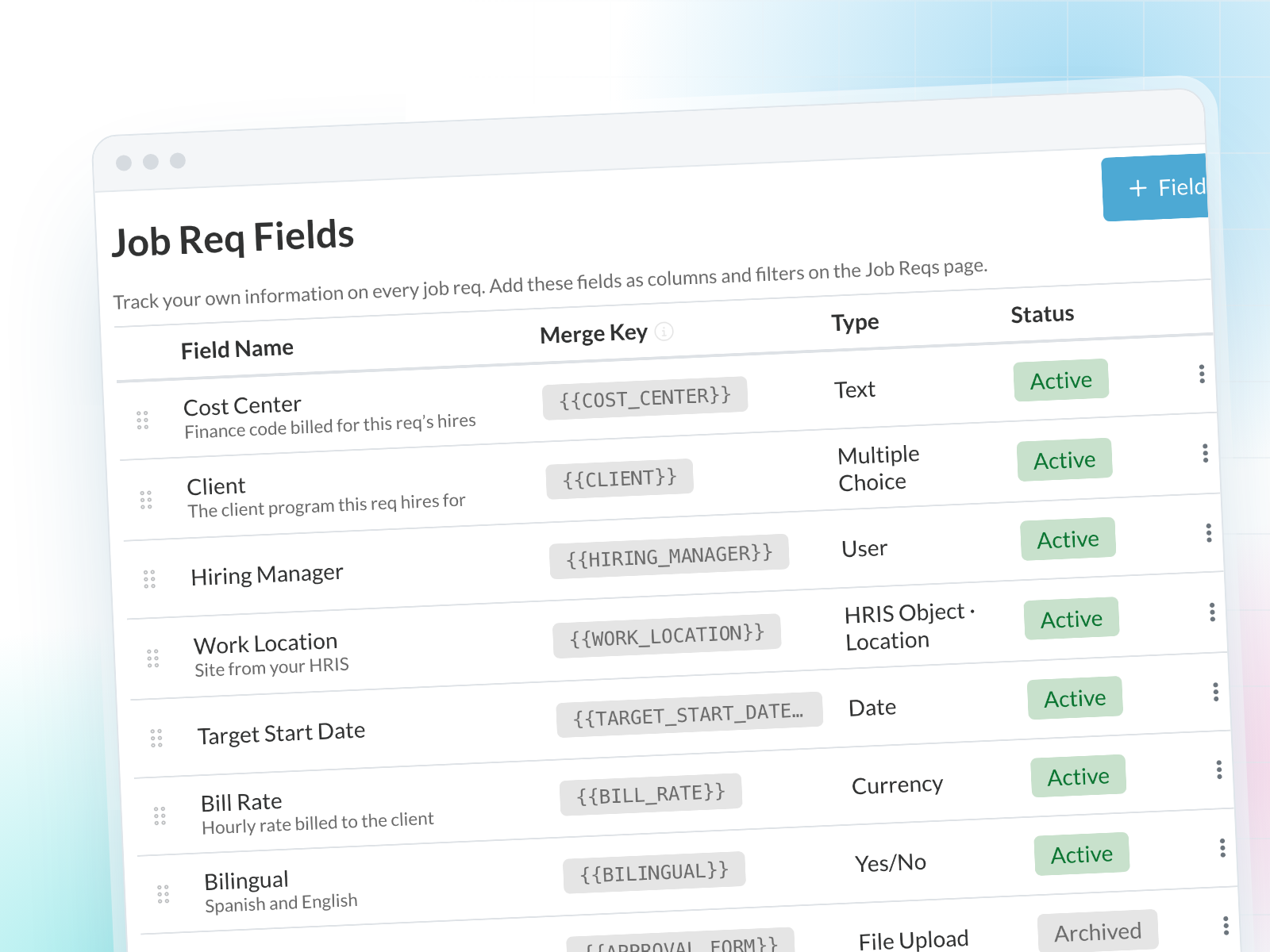
Every team tracks its own details on job reqs, like cost center, client or hiring manager. Custom Job Req Fields put that information on the job req itself, where your team can see it, filter by it and report on it, instead of in a side spreadsheet.
Highlights
- Fields that fit your process. Create text, number, multiple choice, date, yes/no, user, currency, URL and file upload fields, or pick values from your HRIS.
- Right on the job req. Fill fields in when you create or edit a job req.
- Built into the Job Reqs page. Add your fields as columns and filters, and include them in exports.
- Carried over. Values come along when you duplicate a job req.