

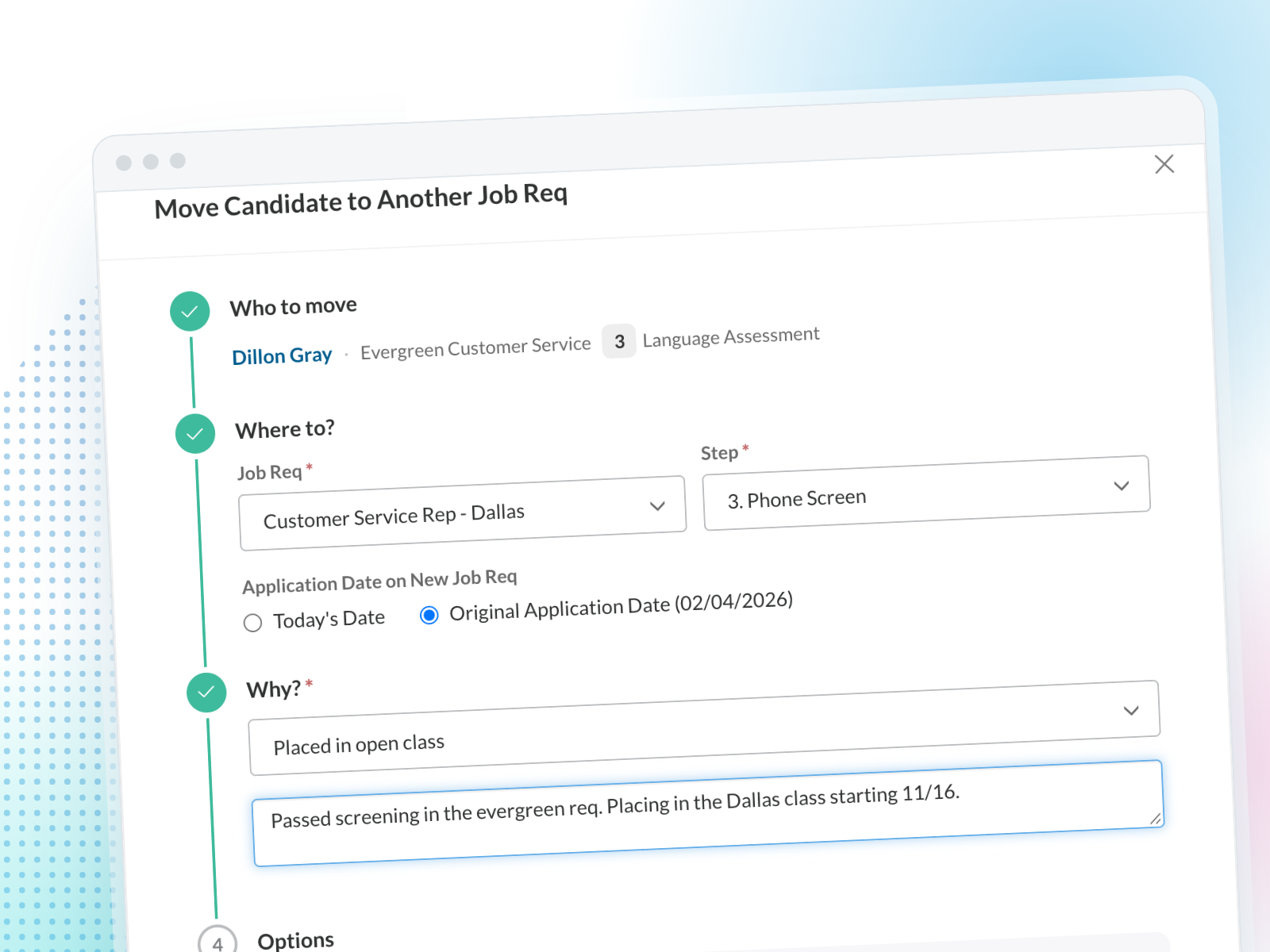
When a candidate is in the wrong job req, you no longer have to reject them and ask them to apply again. Move them straight to the job req that fits, at the step that makes sense. It works for planned moves, like placing screened candidates from an evergreen job req into a specific class, and for case-by-case moves when someone is a better fit for a different role.
Highlights
- Pick the job req and the step. Place the candidate exactly where they belong, so they don't repeat steps they already passed.
- Not a rejection. The first application closes with its own Moved status, so your rejection numbers stay accurate and no rejection email goes out.
- Answers carry over. Transfer Data is on by default, so screening answers and test results come with the candidate. You can also keep their original application date.
- Every move is on the record. Pick a move reason and add a note. Both applications show where the candidate came from and went, and you can add Moved Date, Moved To and Moved From columns on the Candidates page.